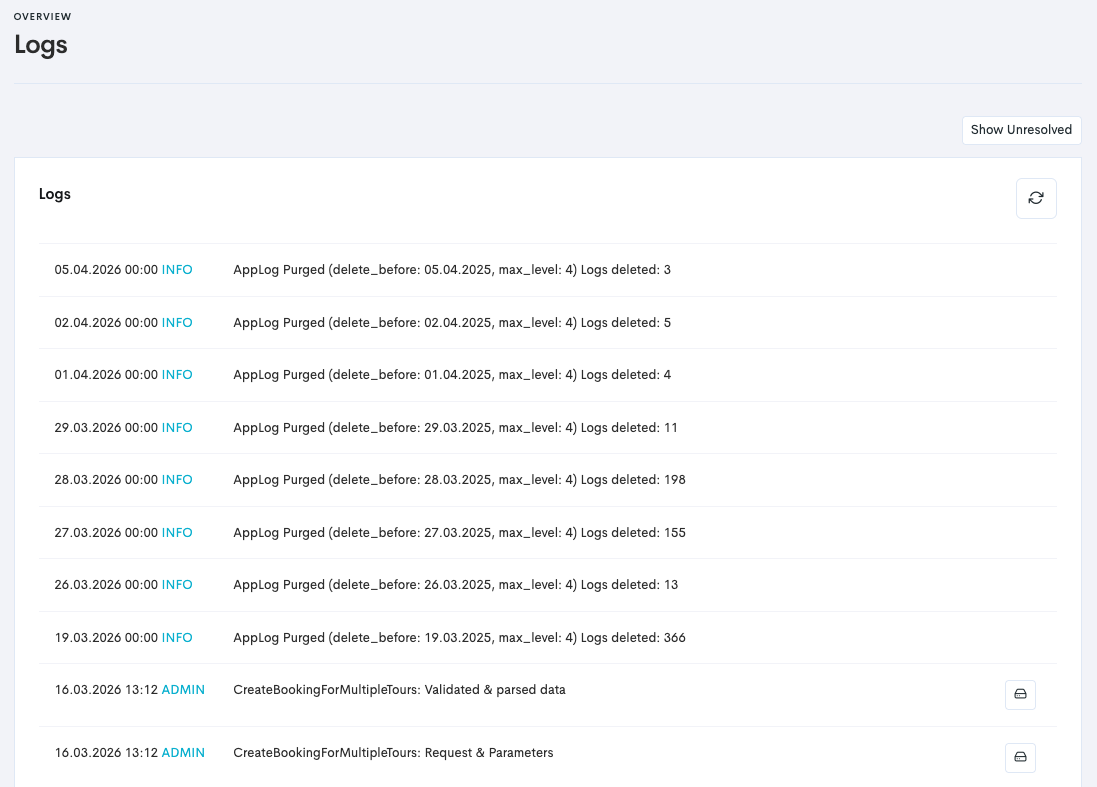
The logs show recent activity within Bilberry. This overview provides the date and time of each action, the action performed, and the user responsible.
You can find the logs by:
-
Navigate to the Administrator settings in the left main menu.
-
Click Settings.
-
Click Logs. This takes you to the Logs Overview, which typically looks something like this: