

Guide Threshold is the required number of guides per x number of guests.
The Guide Threshold tab only becomes activated if Need staff? is toggled on in the Product settings tab.
Set Guide Threshold
-
In the left main menu, navigate to Products → Products. This takes you to the Product Overview.
-
Click the product name → Guide Threshold tab.
-
Enter the Quantity of people per guide. See example below, where 1-8 guests requires 1 guide. If more than 8 have booked (between 9-16), then you need another guide to be added to the tour etc.
-
Enter the number of Guides Required.
-
Click Add.
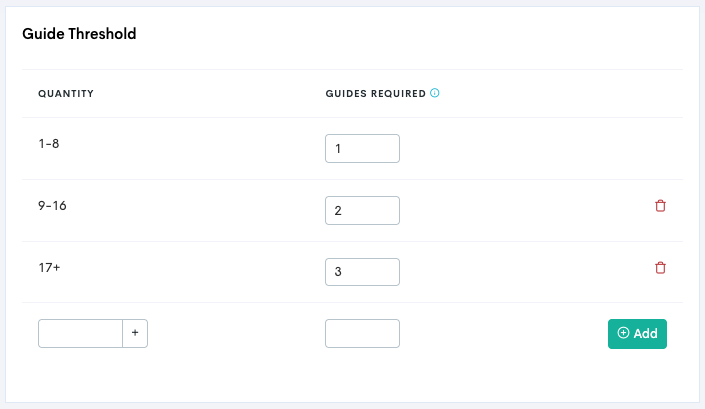
Repeat to set several thresholds if needed.
When there is a need for an extra guide to be assigned to a tour, the system will