

Product Categories can help you organise your offerings into groups.
As an example, you can categorise your products by season, eg. Winter and Summer, or by terrain, eg. Land and Water.
➕ Add New Product Category
How to add a new product category:
-
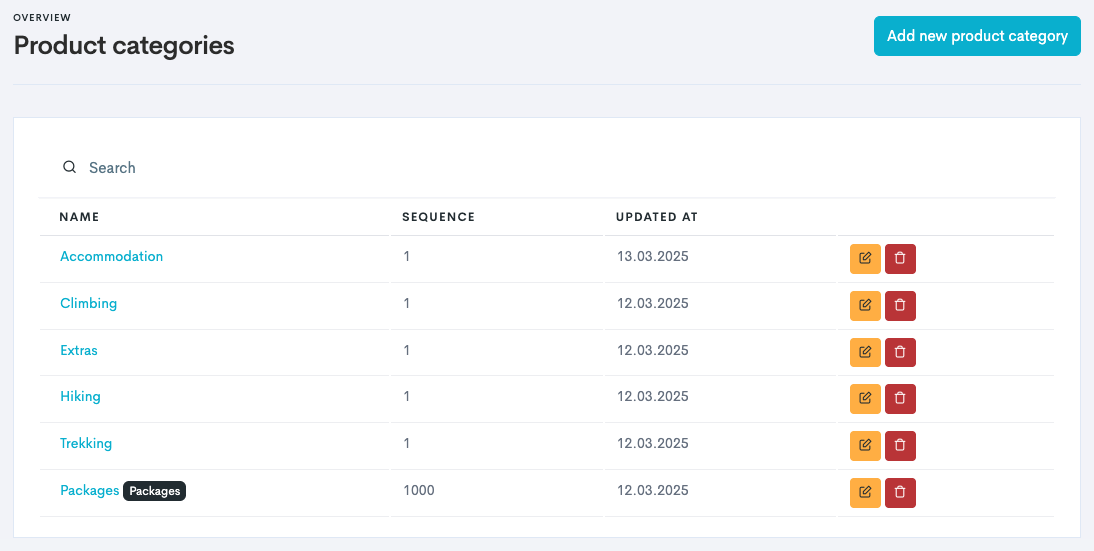
In the left main menu, navigate to Products → Settings → Categories.
-
Click Add new product category.
-
Enter the Name of your product category.
-
Click Create.
You can retrieve sales reports by each product category by navigating to the Finances section in the left main menu in Bilberry.