

A Guide is the person who are responsible and conducts the tour. They are created as users in the system assigned a specific role, called staff. This role can be combined with other roles to give more access within the system. Have a look at our guide Users and Permissions for more information about user roles.
You can add a new guide one of two ways:
-
From the Users page. Read more .
-
When a new user is added on the Users page and assigned the Staff role, they will automatically appear in the Guides Overview as well.
-
-
From the Guides Overview page, explained below.
Add New Guides from the Guides Overview
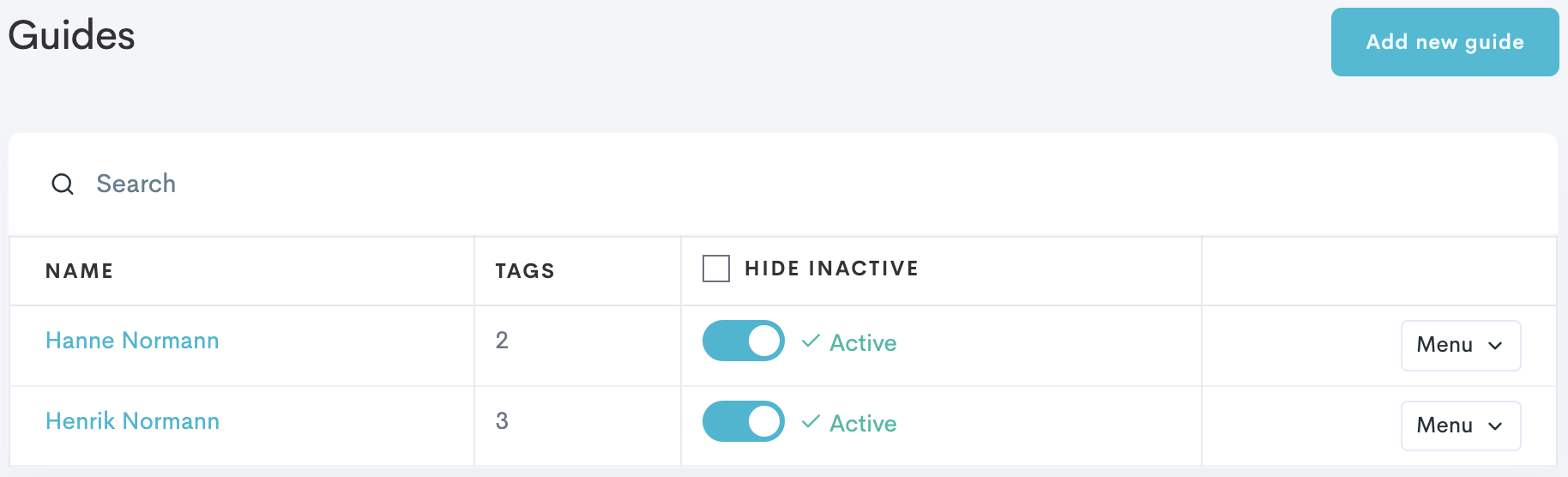
The Personnel menu is a guide only section, and is where you have a complete overview of all your guides.
-
In the left side bar, navigate to Personnel → Overview.
-
Click Add new guide.
-
Enter the contact information (first and last name, email and phone).
-
(Optional) Add guide tags that should be connected to the guide.
-
Click Create guide.
The new guide can now log in to Base to keep track of their upcoming tours, log work hours, and more!
A guide created from the Guides Overview page will automatically be assigned the Staff user role and appear in the Users page.