

Everyone can create an account at Book Local, where you can resell others products. This is free.
You need Bilberry to connect to your Book Local account to be able to sell your own products through the platform, in addition to be able to resell others products.
If you would like to use Bilberry as your operational system, please visit our website bilberry.no to book a demo with us. You can also contact sales@bilberry.no.
Create an Account on Book Local
Everyone that want to use Book Local to sell or resell products would need to create an account on the Book Local website.
-
Go to booklocal.no.
-
In the top right menu, click Log in.
-
To create a new account, click Sign Up.
-
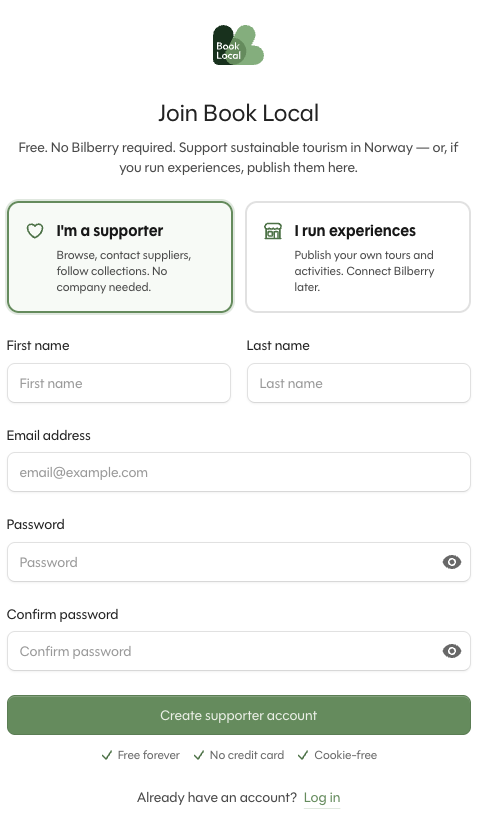
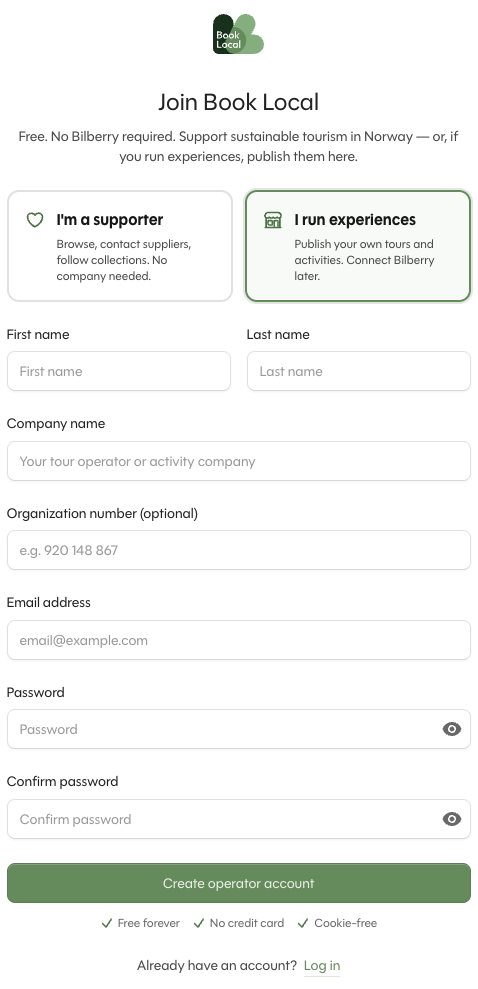
Select if you are a supporter or if you run experiences, and type in the information required to create an account.
With an activated Book Local I’m a supporter-account you will be able to resell others listed products. With an I run experiences-account you will be able to sell your own products on the platform.
Activate Book Local in Bilberry
You need Bilberry to be able to sell your own products through the platform, in addition to be able to resell others products.
-
In the left main menu, navigate to Book Local → Book Local.
-
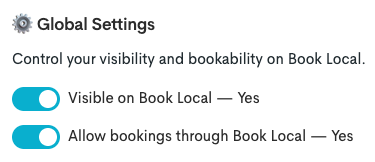
Select one or both options under General Settings. You can choose to either only be visible on Book Local, or to allow booking through Book Local as well:
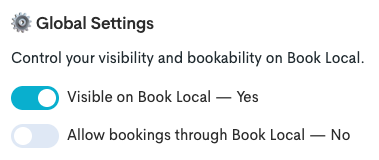
If you choose to be only visible on Book Local, go ahead and select the products that should be visible on the platform:
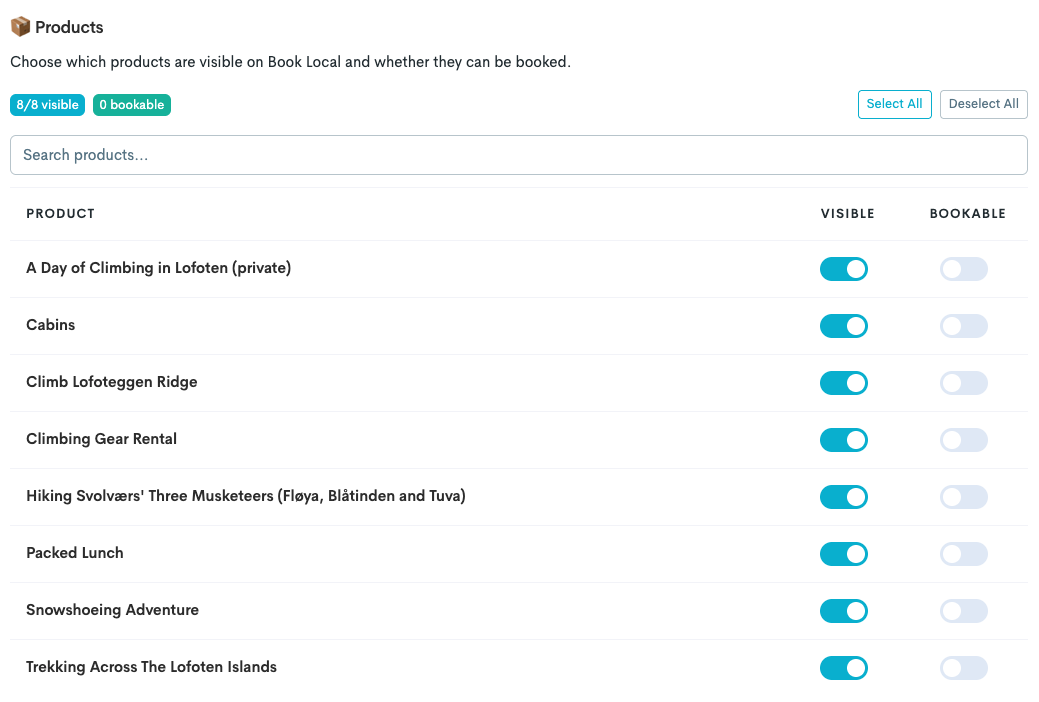
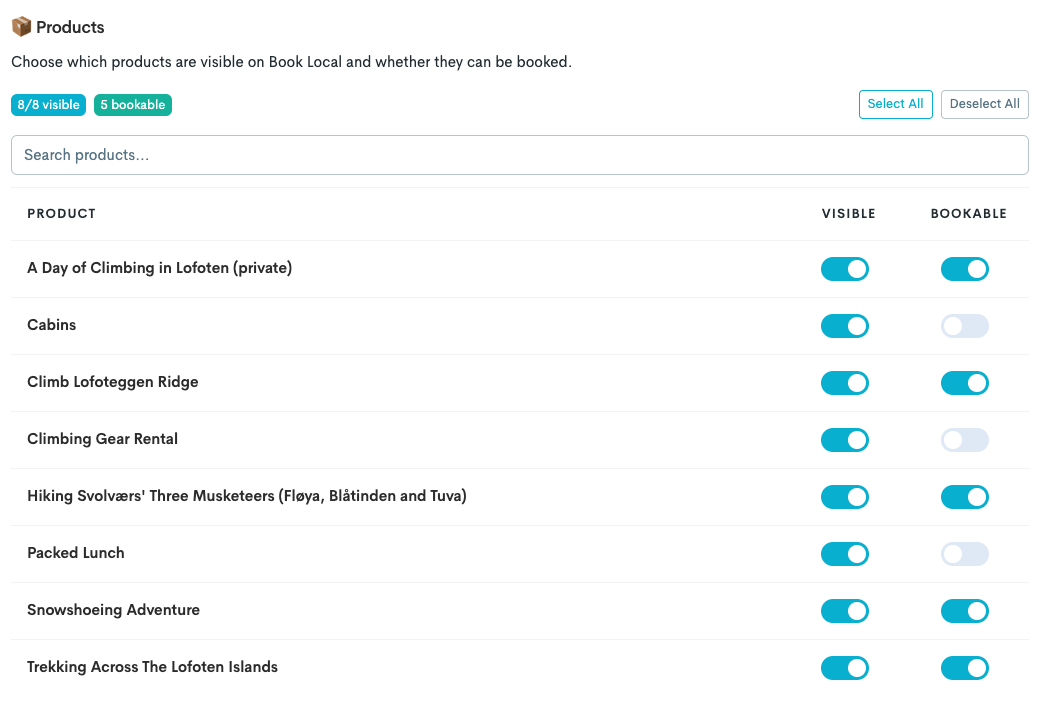
If you choose to be both visible and to allow bookings, go ahead and select the products that should be visible and bookable on the platform:
It can take a bit of time for the products to show on Book Local after the activation. If they do not show within 24 hours, please send an email to support@bilberry.no or send a request through the Bilberry Support Channel.